学习中心

广义拉伸算子的应用示例


在目标映射表达式正确的情况下,广义拉伸 算子可以将在源上定义的表达式映射为在任意目标几何体上计算的表达式。它可以被用在各种不同的场景中,接下来我们将举例说明。

沿一个方向拉伸数据

已知一个在平面(如 xy 平面)上定义的表达式,我们希望沿 z 轴方向映射其数据。

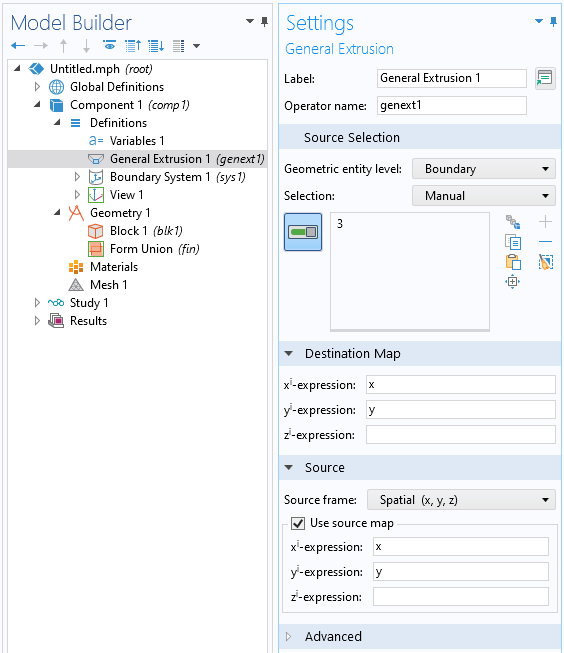
为了实现此操作,可以在一个与 xy 平面平行的边界上定义一个 广义拉伸 算子,且 源映射目标映射z 表达式 均为空白。如下图所示, 广义拉伸 算子沿 z 方向把数据从边界映射到体中。
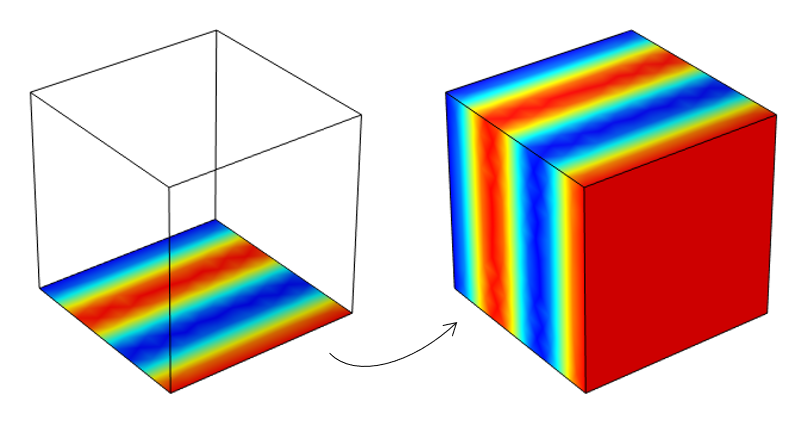
A transparent cube with one side visualizing simulation results in a rainbow color table, next to a cube with the same data mapped onto each side.
将在边界(左)上定义的数据沿法线方向映射到平面和体(右)中。

A screenshot of the Settings window for the General Extrusion operator, with the Source Selection, Destination Map, and Source sections expanded.
将与 xy 平面平行的边界上的数据沿 z 轴方向映射的设置。

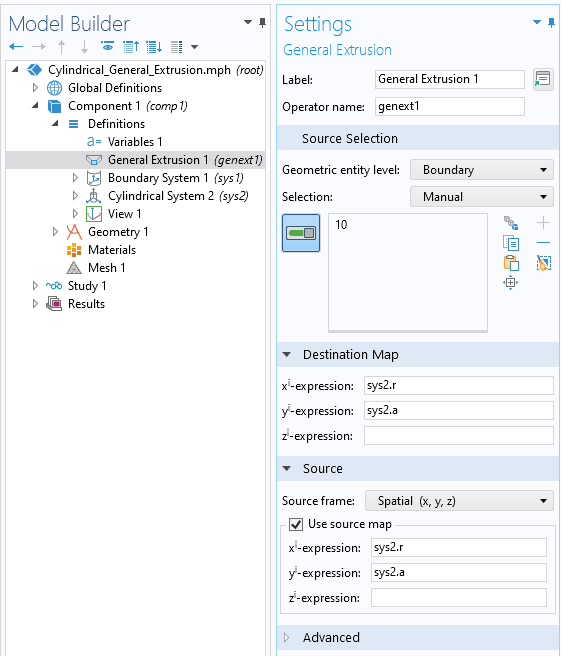
我们也可以用坐标系定义映射。例如,为了映射绕中心线的边界数据,可以引入一个柱坐标系,并使用坐标系变量来定义源映射和目标映射。
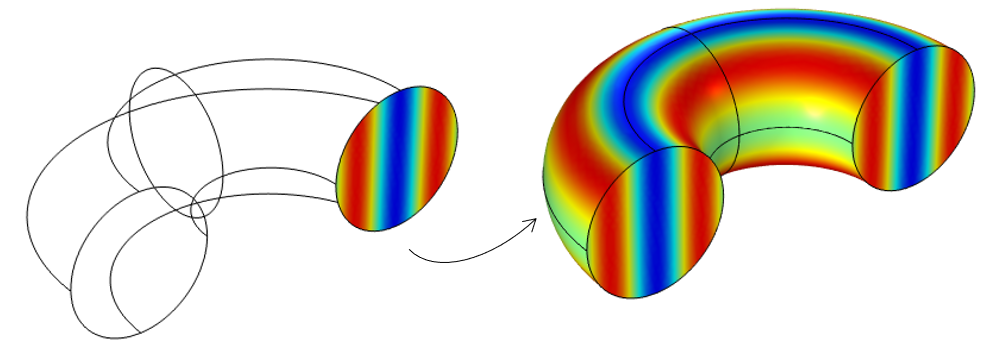
A transparent, curved cylindrical model with simulation results on one boundary, next to the same cylinder with the data mapped on all boundaries.
将绕轴对称的横截面(左)上定义的数据映射到体(右)。

A screenshot of the Settings window for the General Extrusion operator used to revolve data about an azimuthal axis of a cylindrical model.
绕柱坐标系方位轴旋转数据的设置。

变换:平移、旋转、镜像和缩放

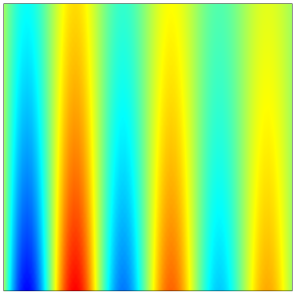
A visualization of sample data defined on the xy-plane, plotted with a rainbow color table.
以原点为中心,在 xy 平面上定义的样本数据。

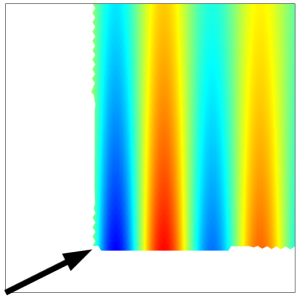
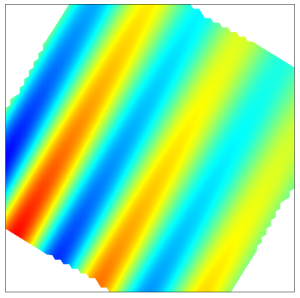
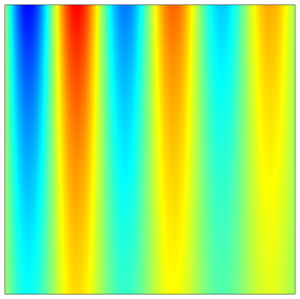
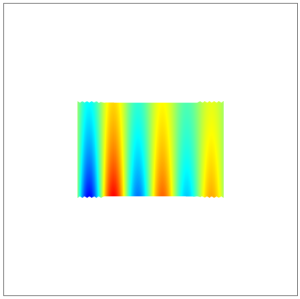
如上图所示,在以原点为中心的正方形内的 xy 平面上定义一个变量,只需通过不同的目标映射,并保持源映射不变,就可以实现各种变换。下表列出了几种变换的示例。注:也可以在三维空间中实现同样的变换。

变换类型 目标映射 结果
平移 x 轴表达式: x-0.3
y 轴表达式: y-0.15
An image of sample data on the xy-plane after undergoing the Translate transform, with a black arrow in the bottom-left corner.
旋转 x 轴表达式: x*cos(30[deg])-y*sin(30[deg])
y 轴表达式: x*sin(30[deg])+y*cos(30[deg])
An image of sample data on the xy-plane after using the Rotate transform.
镜像 x 轴表达式: x
y 轴表达式: -y
Sample data plotted on the xy-plane after undergoing the Mirror transform, plotted with a rainbow color table.
缩放 x 轴表达式: x*2
y 轴表达式: y*3
A small square of rainbow sample data on a larger white background.

拉伸算子的其他应用


请提交与此页面相关的反馈,或点击此处联系技术支持